

I’ve done this a few times now and wanted to share my experiences. Overall, it’s been great using the process that was first announced back in March 2021. When you take the exam and pass, it is valid for 1 year. Six months later you’ll receive an email indicating when your certification is due for renewal with links to the free online renewal assessment.
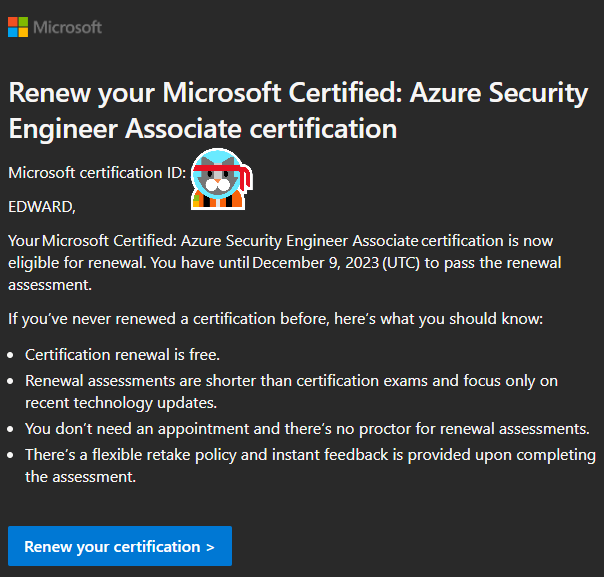
Getting started is pretty easy. 🙂
- Go to Microsoft Learn to connect your learn profile with your certification profile.
- Prepare with the free content on Microsoft Learn.
- Take the free online assessment before your certification expires.
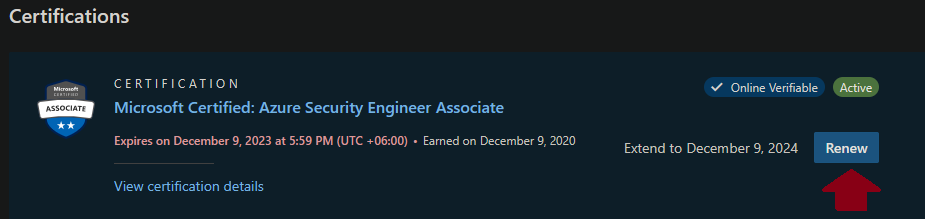
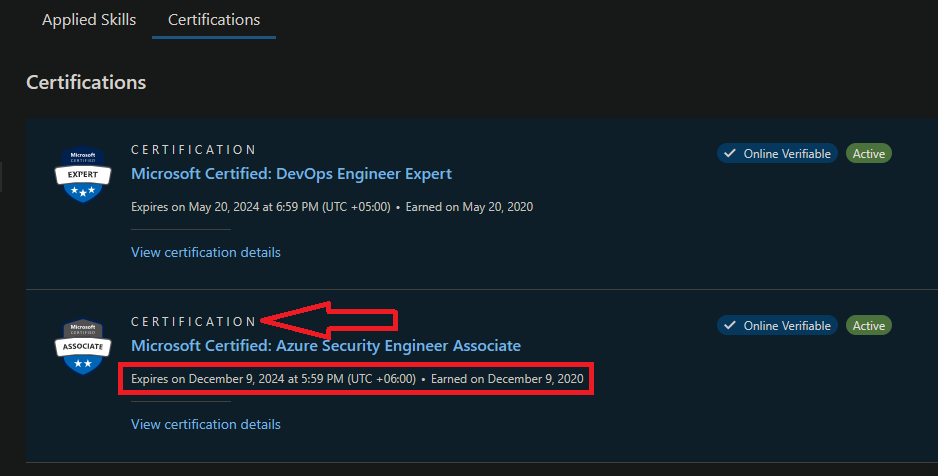
The Certifications section of your learning profile will show you current status. From here you can start the renewal.
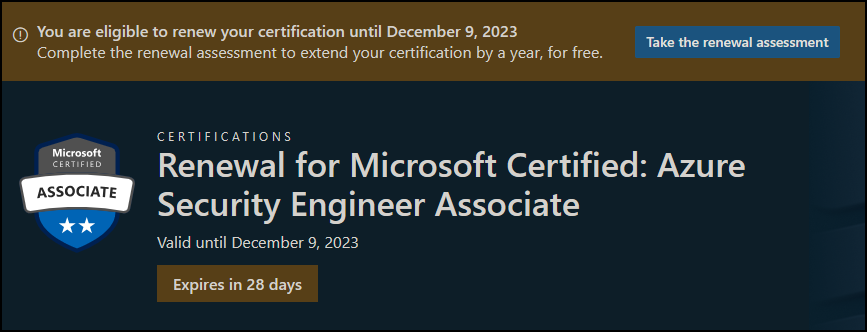
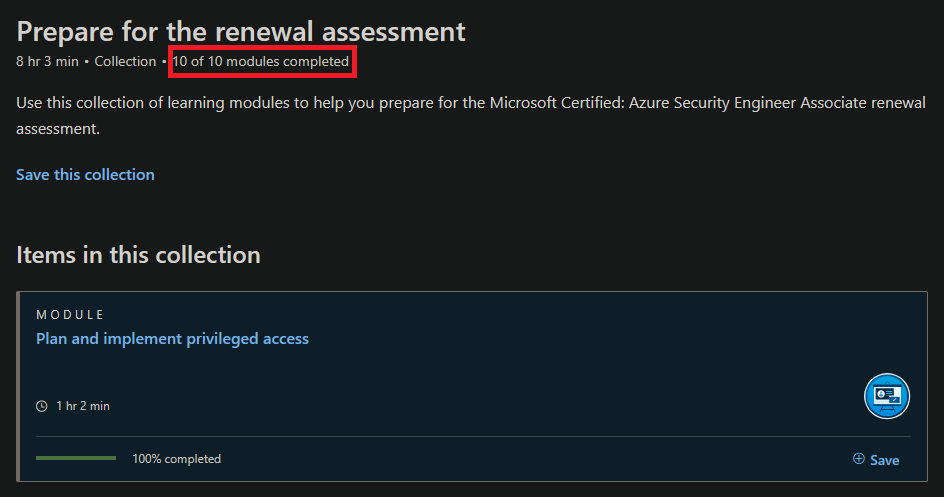
What you need to successfully prepare for the assesment is provided for you with links. In this case, I had 10 modules to review and brush up on.
Please note if your certification expires before you can renew, you will need to sit through the exam again like you were taking it the first time. You have a 6 month window to renew a certification for free online at any time without booking at your own convenience, and you can retake as many times as you like. The number of tries to pass are unlimited with only 24 hours needing to elapse between each attempt. The assesment contains 26 questions that you need to answer in 45 minutes.
When you pass the assesment, your profile is updated accordingly.
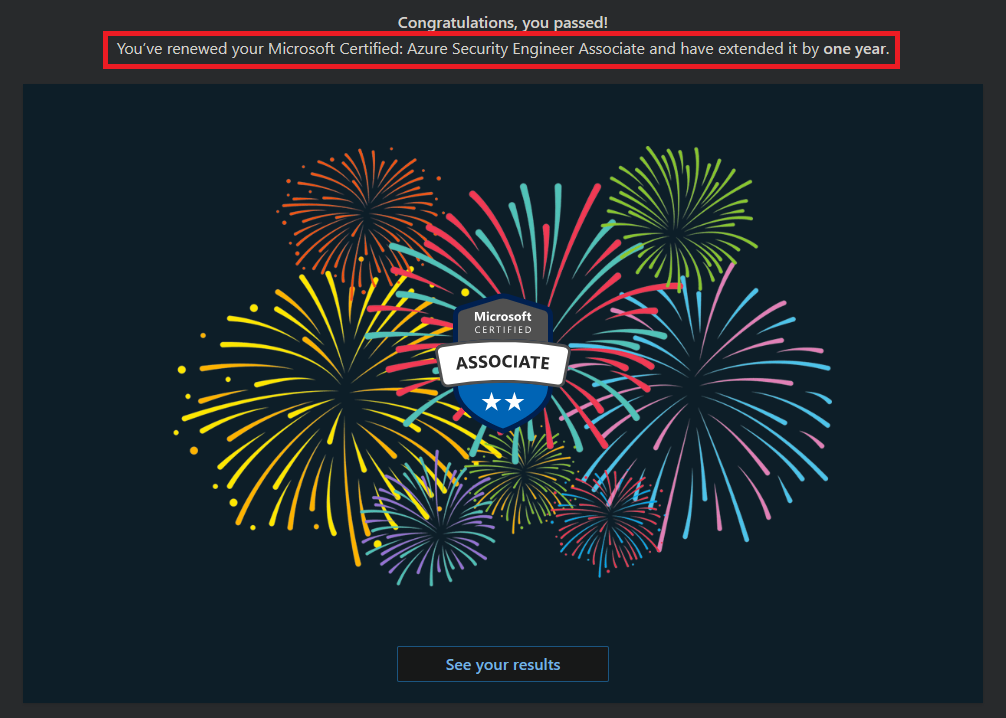
Thank you, Microsoft! I don’t know about you, but I certainly prefer this method. Best of luck going forward. 🙂

